Dashboard Page
Overview
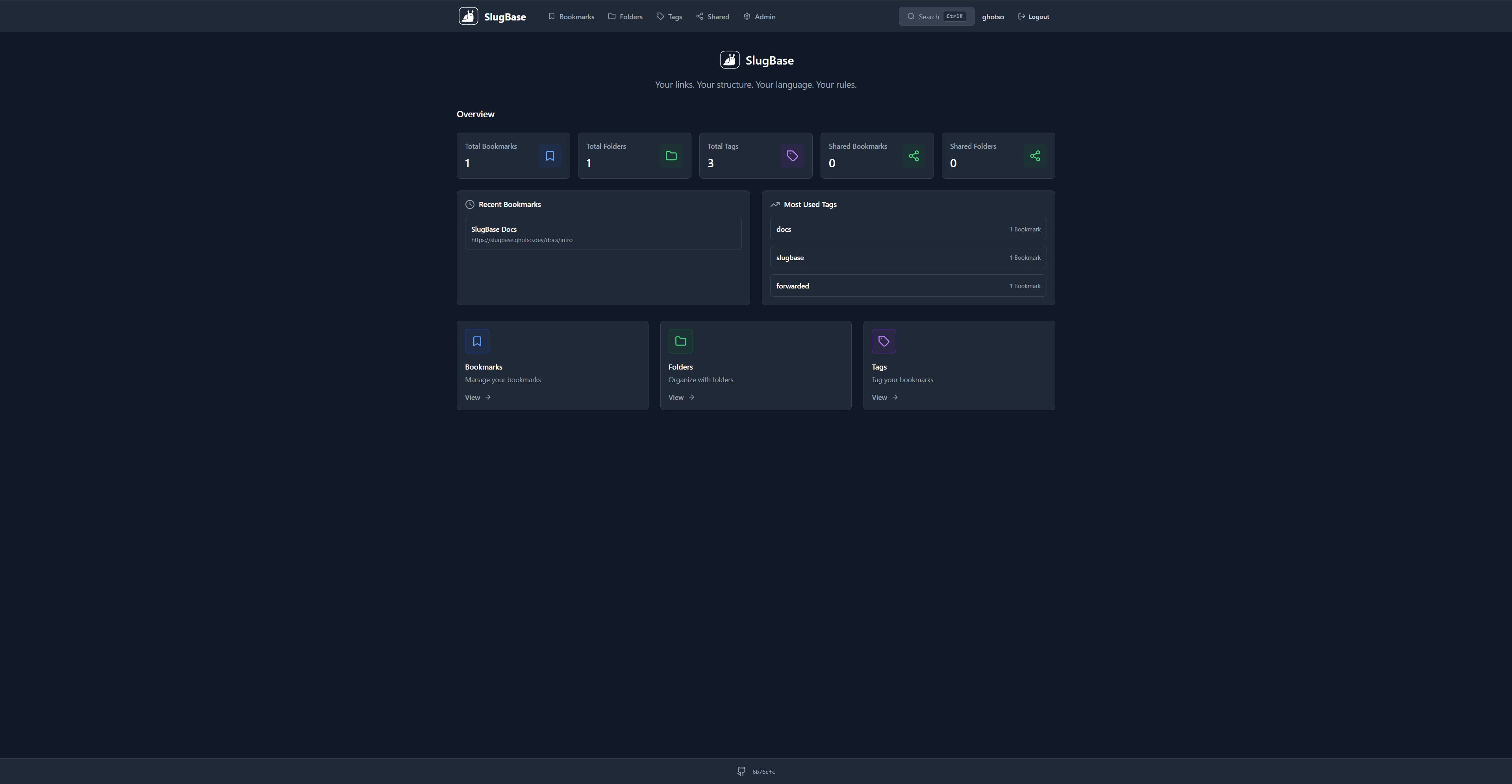
The Dashboard is the main landing page of SlugBase, displayed when users navigate to the root path (/) after authentication. It provides an overview of the application's main features and quick navigation to core sections.
Route
- Path:
/ - Authentication: Required
- Access: All authenticated users
Features
Navigation Cards
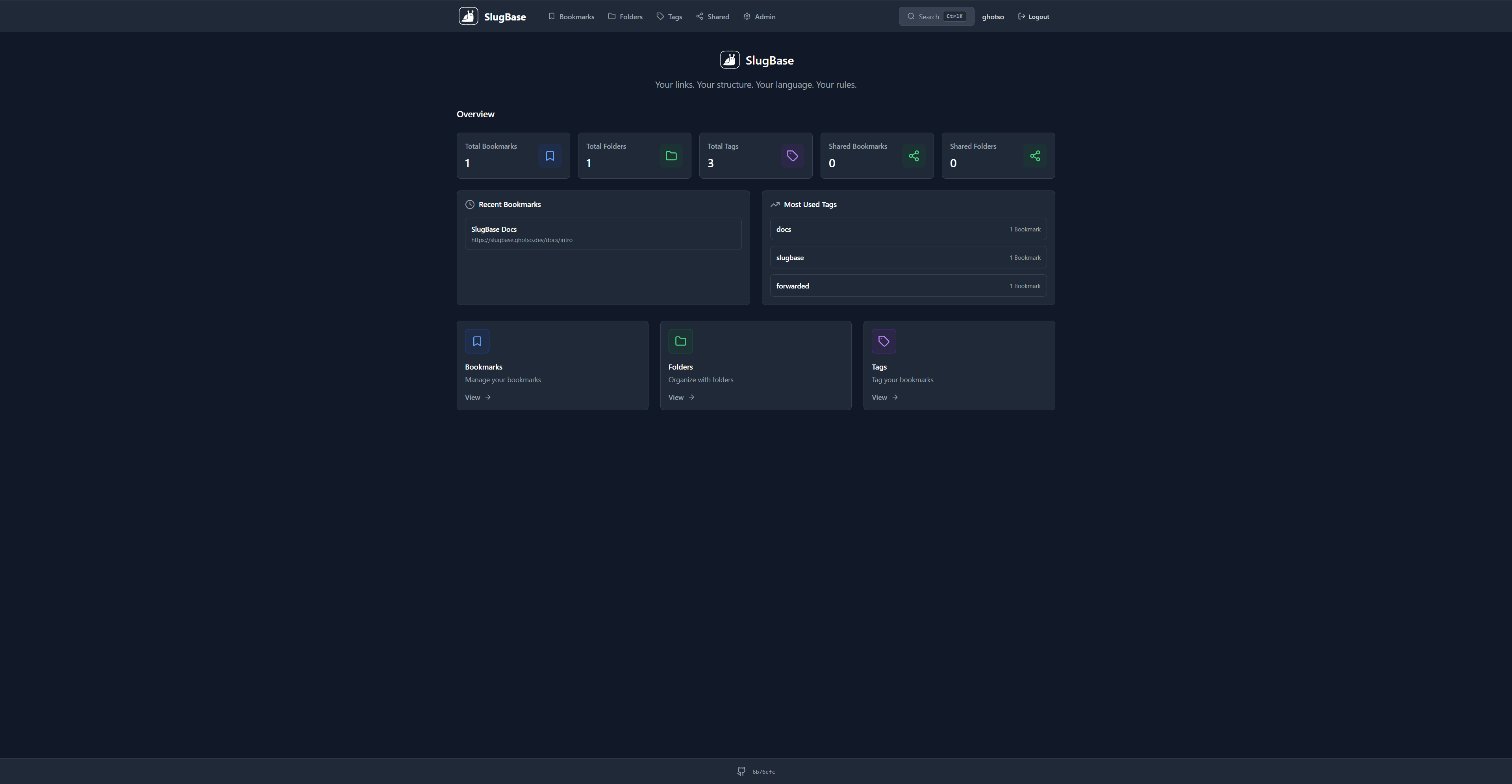
The dashboard displays three main navigation cards:
-
Bookmarks Card (Blue)
- Navigates to
/bookmarks - Description: "Manage your bookmarks"
- Icon: Bookmark icon
- Navigates to
-
Folders Card (Green)
- Navigates to
/folders - Description: "Organize with folders"
- Icon: Folder icon
- Navigates to
-
Tags Card (Purple)
- Navigates to
/tags - Description: "Tag your bookmarks"
- Icon: Tag icon
- Navigates to
Design Features
- Hero Section: Displays app name ("SlugBase") and tagline
- Card Layout: Responsive grid (1 column mobile, 2 columns tablet, 3 columns desktop)
- Hover Effects: Cards have shadow and transition effects on hover
- Color Coding: Each card uses a distinct color scheme for visual differentiation
- Internationalization: All text is translatable via i18n
Component Structure
<Dashboard>
  <Hero Section>
    <App Name>
    <Tagline>
  </Hero>
  <Navigation Cards Grid>
    <Bookmark Card>
    <Folder Card>
    <Tag Card>
  </Grid>
</Dashboard>
User Interactions
- Click on Card: Navigates to the respective section
- Hover: Visual feedback with shadow elevation
- Responsive: Cards rearrange based on screen size
Styling
- Uses Tailwind CSS utility classes
- Supports dark/light mode via CSS variables
- Smooth transitions for interactive elements
- Color-coded cards for quick visual identification
Related Pages
Technical Details
- Component File:
frontend/src/pages/Dashboard.tsx - Dependencies: React Router (
Link), React i18next (useTranslation) - Icons: Lucide React (
Bookmark,Folder,Tag,ArrowRight) - Layout: Wrapped in main Layout component with navigation sidebar
i18n Keys Used
app.name- Application nameapp.tagline- Application taglinebookmarks.title- Bookmarks section titlefolders.title- Folders section titletags.title- Tags section titledashboard.bookmarksDescription- Bookmarks card descriptiondashboard.foldersDescription- Folders card descriptiondashboard.tagsDescription- Tags card descriptioncommon.view- "View" button text